Gummy Playground Guides
From first wobble to advanced freeze-launch stunts — every tutorial in one place.
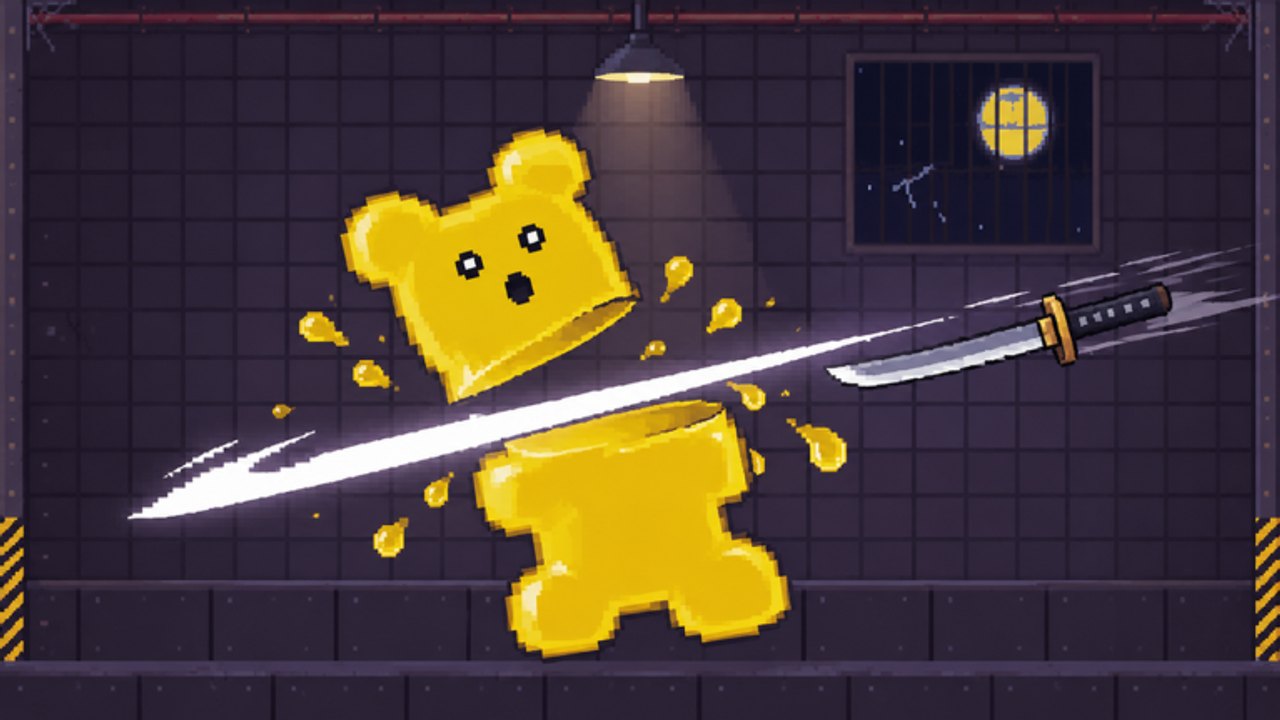
Welcome to the Gummy Playground guides hub. This Roblox physics sim lets you squish, stretch, freeze, and launch jelly gummy bears across a 2D-flavored playground packed with 200+ tools. Whether you want a calm build session or a six-player chaos lobby, these walkthroughs answer the searches players actually type: how to play, how to control the jelly body, how to unlock tools, how to build stunts, and how to claim daily rewards.
Start here
New to the experience? Follow this order:
- Getting Started — first-hour checklist, UI tour, and what to unlock first
- Controls — PC, mobile, and console inputs for move, tool use, and build place
- Tools and Powers — how swords, blasters, black holes, and freeze tools behave
- Building and Stunts — ramps, trampolines, rope traps, and book completion
- Daily Rewards and Skins — gifts, free spins, quests, and cosmetic priorities
- Jelly Physics — stretch, settle, freeze windows, and soft-body troubleshooting
- Mobile and Console — thumb layouts, FOV, performance, and wider build gaps
What each guide solves
| Guide | Player intent |
|---|---|
| Getting Started | “How do I play Gummy Playground?” |
| Controls | “Why can’t I place builds on mobile?” |
| Tools and Powers | “What does freeze do with a blaster?” |
| Building and Stunts | “How do I find hidden stunts / fill the book?” |
| Daily Rewards | “Where are free spins and skins?” |
| Jelly Physics | “Why do launches feel random after a patch?” |
| Mobile and Console | “How do I play well on phone or gamepad?” |
Cross-link these pages while you play. The tier list tells you which tools deserve hotbar slots; the codes hub covers promo redemption; the players hub explains six-player room etiquette.
How Gummy Playground plays
Every gummy is real jelly: it wobbles, stretches, melts, freezes, and springs back. That soft-body feel is the entire fantasy. Tools exist to exaggerate it — black holes gather bodies, tornados lift them, tsunamis shove entire lobbies, and build pieces let you author the arena. Hidden stunts push you to combine those systems instead of treating the game like a plain fighting sim.
Because servers cap at six players, one person with a grief tool can change the mood fast. Agree on chaos level in chat, or host a quieter build room when you are practicing book routes. Session length averages around fourteen minutes in early telemetry, so plan short experiments rather than hour-long grinds.
Tips that apply to every guide
- Claim daily gifts before you invent a new stunt course.
- Keep freeze on the hotbar; it is the glue for advanced launches.
- Build a landing pad before you black-hole yourself into the sky.
- Favorite the experience and join the is that boin? group for shout updates.
- After patches, skim updates before you assume a tech still works.
Physics habits that transfer across every tutorial
Soft jelly rewards tempo, not button mash. Walk a course once without tools, then add freeze, then add a launcher, then add an area mover. That layered practice shows up in Getting Started, Controls, Tools, and Building alike. If a stunt fails, ask which layer broke — geometry, timing, or lobby interference — before you rebuild the entire parkour.
Short sessions (near fourteen minutes in early telemetry) favor tiny experiments: one ramp spacing change, five freeze shots, one black-hole escape drill. Log winners in chat so friends can copy them when you rotate into the players co-op roles.
Video learning
We embed one real YouTube video per guide page, placed mid-article. The Getting Started page features a genuine Gummy Playground session from OttomanEmpireTV so you can see jelly physics before you invent your own routes. We never invent video IDs. Other guides stay text-first until another verified clip exists.
Contribute by playing
When you discover a repeatable stunt, note the tool order and share it with friends in-room. Community discoveries feed future guide expansions (for example, dedicated pages for anime-move combos or seasonal event routes). Until those split out, everything important lives in the seven guides above plus the hubs for scripts, codes, and official links.
Ready? Open Getting Started and claim your first daily gift before the lobby fills up.
Frequently Asked Questions
Quick answers for jelly physics, codes, and tools.
Which Gummy Playground guide should I read first?
Start with Getting Started, then Controls, then Jelly Physics. Add Building and Stunts once you can place ramps reliably, and open Mobile and Console if you play on touch or gamepad.
Do guides include YouTube videos?
Yes — at most one real video per page, embedded in the middle of the article. Getting Started includes a verified Gummy Playground playthrough.
Are these guides for PC only?
No. Controls and Getting Started call out mobile and console differences because the experience supports phone, tablet, computer, and console.
Where do I find codes and scripts?
Use the Codes hub and Scripts hub linked from the header. Guides focus on legitimate gameplay mastery.
How long should a practice session be?
Aim for short loops — warm up gifts, drill one combo, tweak one build — instead of hour-long unfocused chaos.